Loved by designers
AI for designers, work faster, smarter, and more powerful
Get the free AI Starter Kit — 20 ready-to-use prompts for designers, instantly in your inbox.
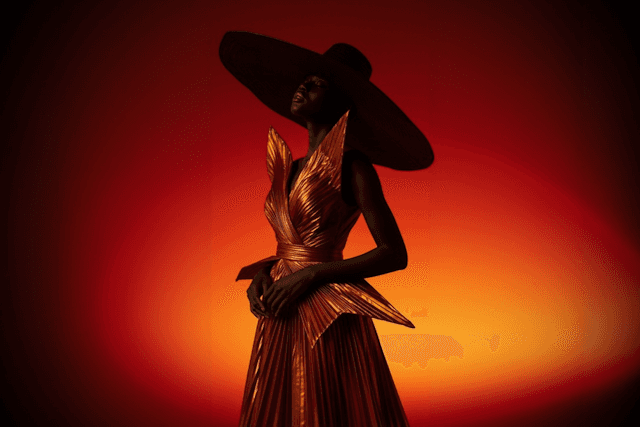
AI Fashion & Visual Style Creation
Create editorial-level visuals with dramatic lighting, rich textures, and unique styles that look polished and intentional.
AI Fashion & Visual Style Creation
Create editorial-level visuals with dramatic lighting, rich textures, and unique styles that look polished and intentional.
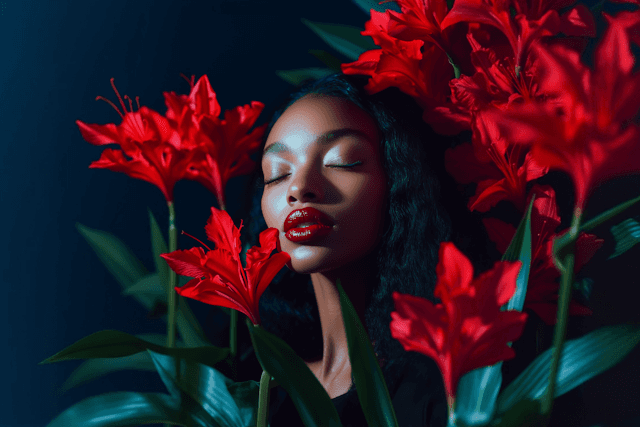
Cinematic Characters & Beauty Shots
Build expressive, high-quality portraits with natural skin, emotion, mood, and strong storytelling in every frame.
Cinematic Characters & Beauty Shots
Build expressive, high-quality portraits with natural skin, emotion, mood, and strong storytelling in every frame.

AI Video & Dynamic Motion
Generate action-packed scenes, smooth motion, and cinematic AI videos that feel energetic, clean, and visually striking.
Top thems
If you
This course for you
product designer
UX/UI designer
web designer
brand designer
graphic designer
marketing designer
UI designer
product designer
UX/UI designer
web designer
brand designer
graphic designer
marketing designer
UI designer
product designer
UX/UI designer
web designer
brand designer
graphic designer
marketing designer
UI designer
product designer
UX/UI designer
web designer
brand designer
graphic designer
marketing designer
UI designer
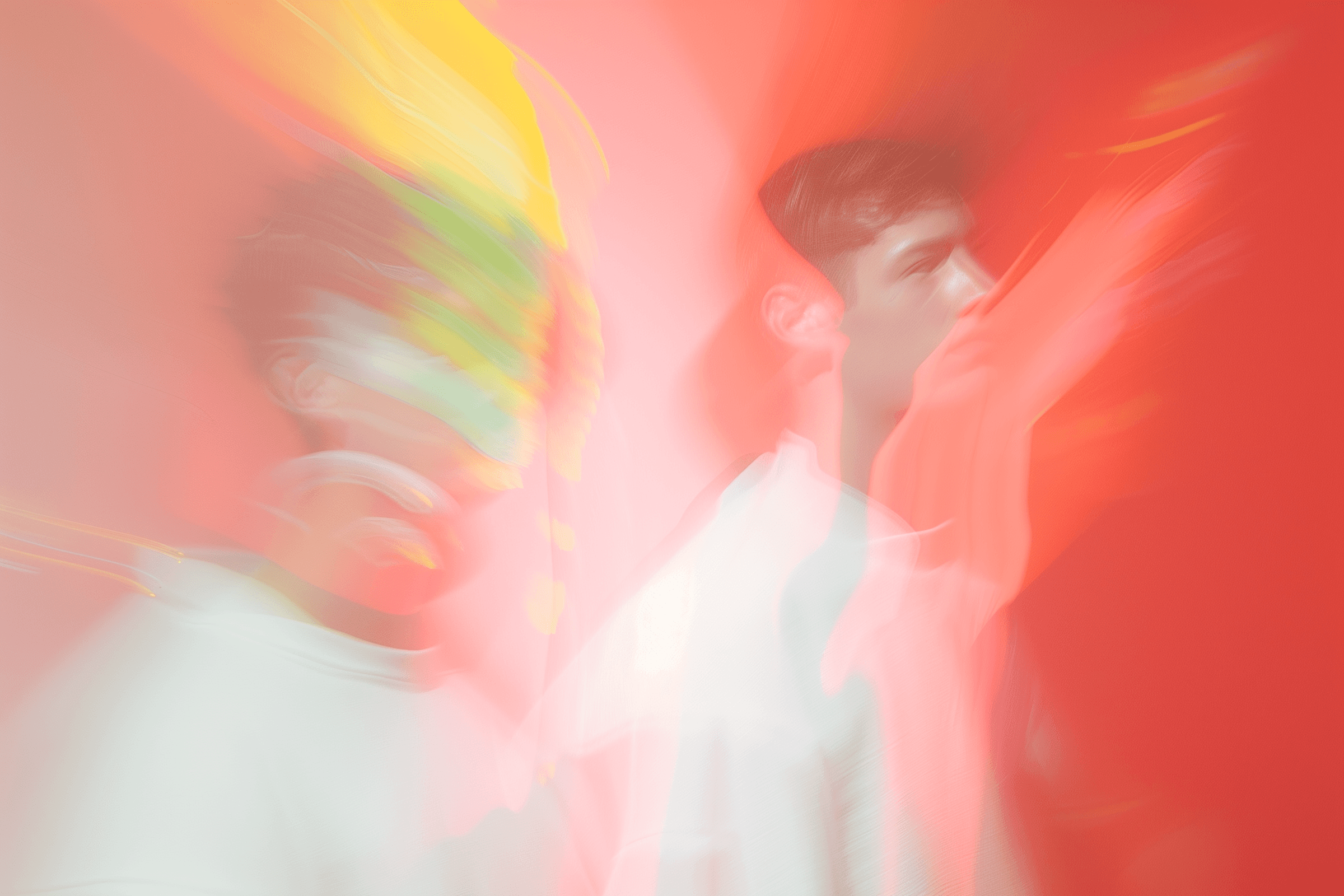
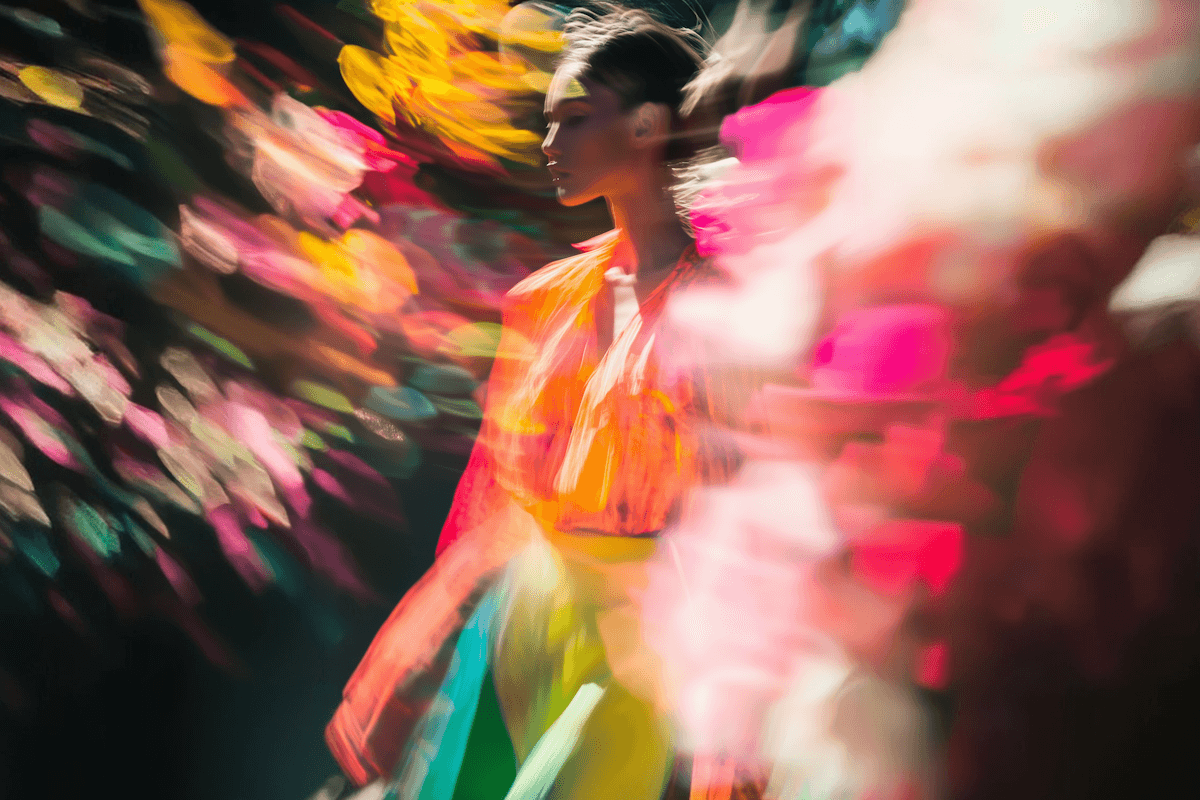
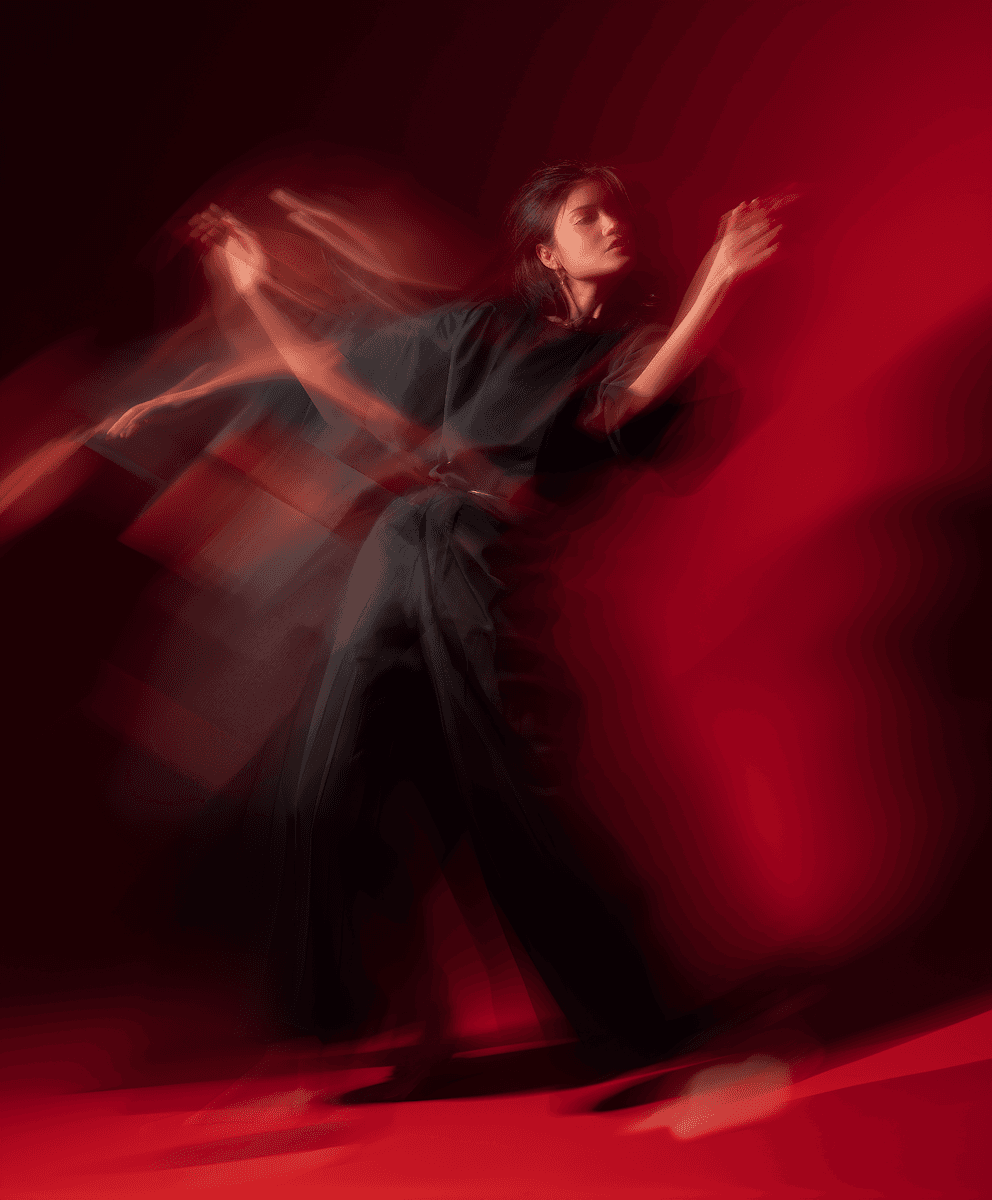
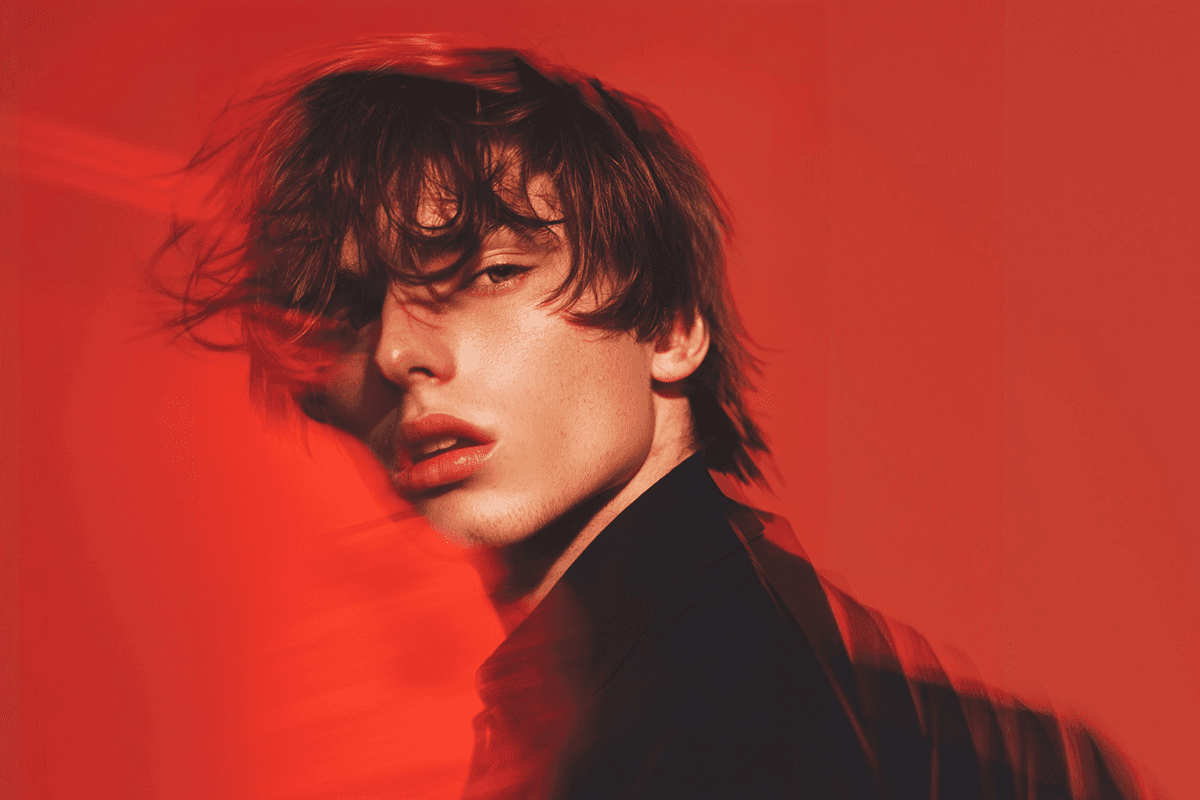
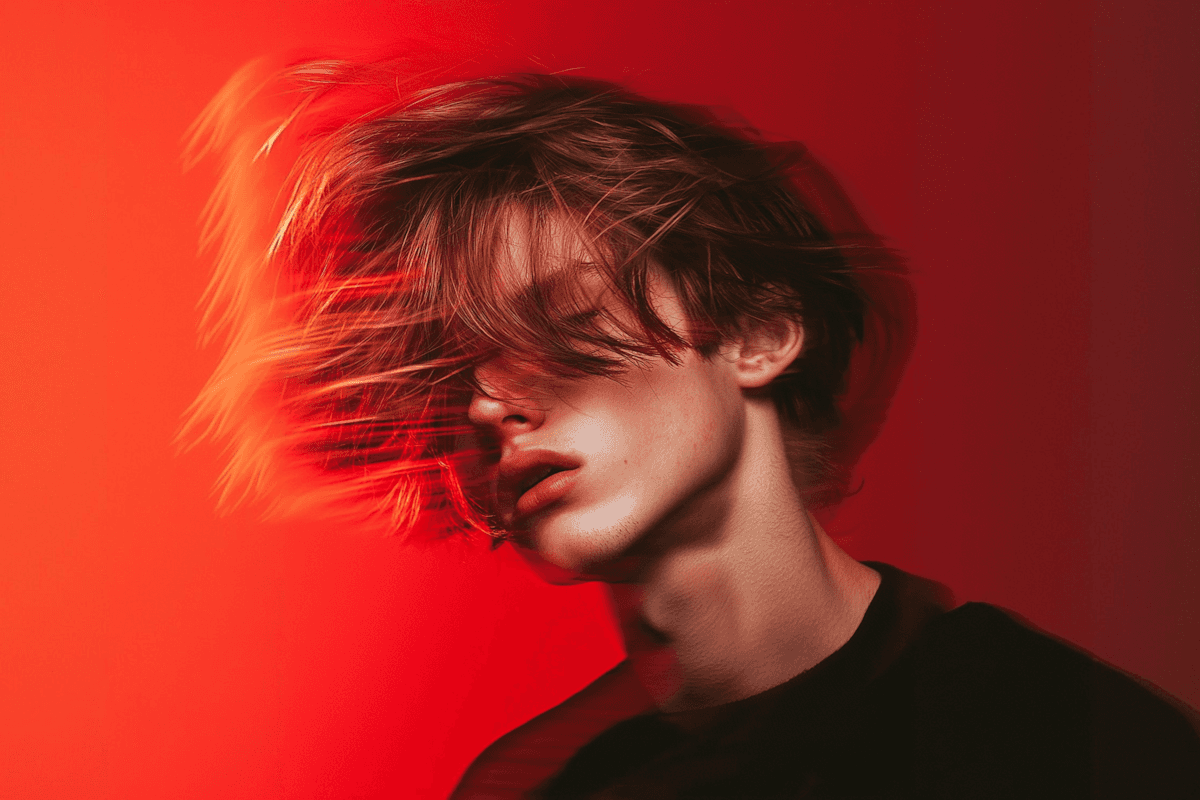
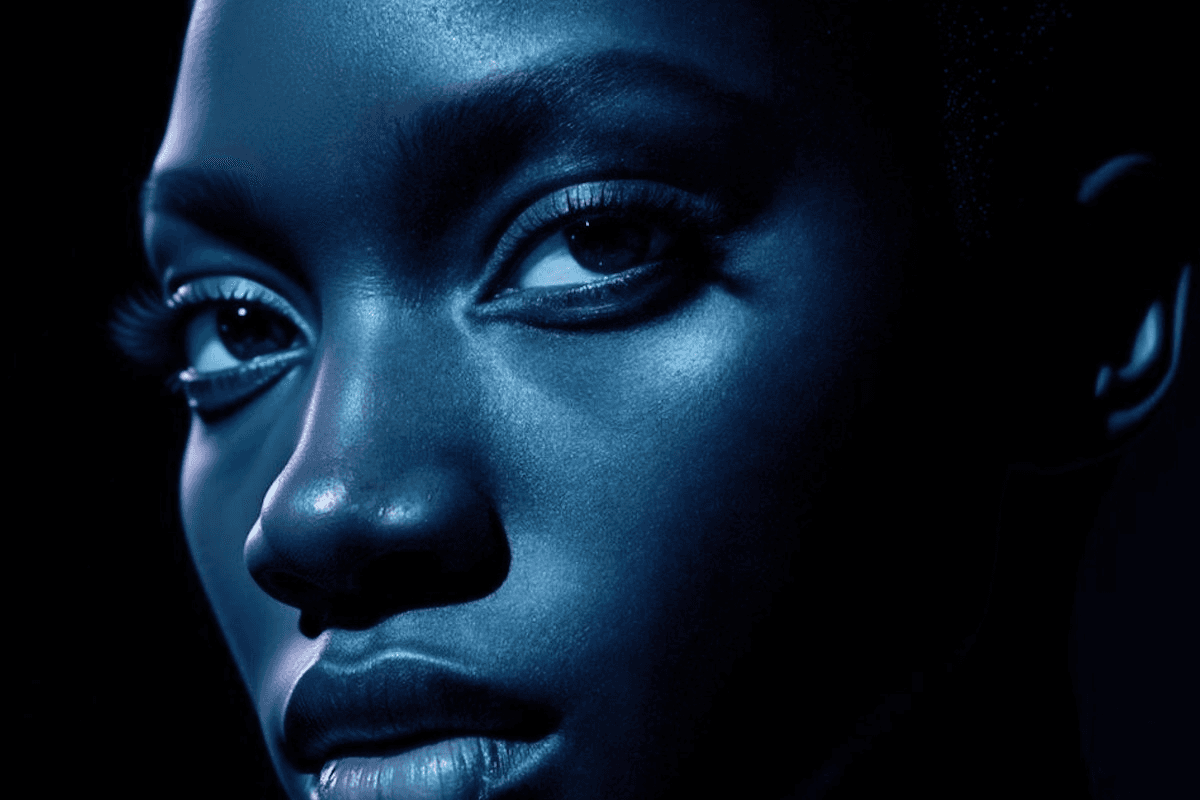


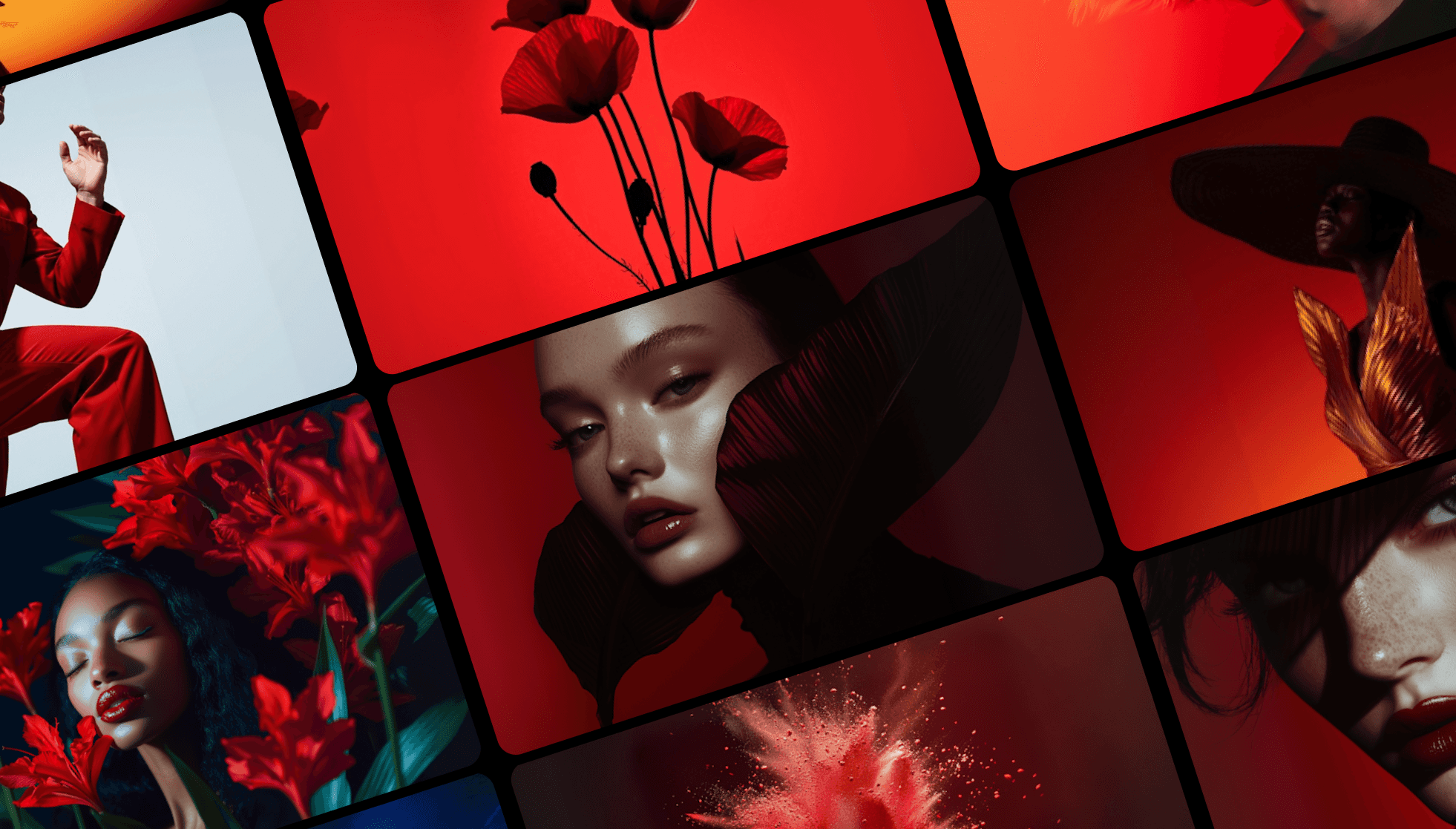
See what you’ll be able to create with AI
From portraits to concepts

Is this you?
This course is for you if any of this sounds like you
If you’re a designer who wants to create high-end visuals faster and turn ideas into polished images in minutes.
If you’re a designer who wants to create high-end visuals faster and turn ideas into polished images in minutes.
If you’re a designer who wants to create high-end visuals faster and turn ideas into polished images in minutes.
If you sometimes feel stuck creatively and want AI to help you explore new styles, concepts, and directions.
If you sometimes feel stuck creatively and want AI to help you explore new styles, concepts, and directions.
If you sometimes feel stuck creatively and want AI to help you explore new styles, concepts, and directions.
If you create content for clients or SMM and need a quick, consistent stream of strong visuals without overworking.
If you create content for clients or SMM and need a quick, consistent stream of strong visuals without overworking.
If you create content for clients or SMM and need a quick, consistent stream of strong visuals without overworking.
If you want to expand your skillset with AI-generated motion and short videos without learning complex tools.
If you want to expand your skillset with AI-generated motion and short videos without learning complex tools.
If you want to expand your skillset with AI-generated motion and short videos without learning complex tools.
If you want to expand your skillset with AI-generated motion and short videos without learning complex tools.
If you work in branding or product design and want faster style exploration, moodboards, and visual concepts.
If you work in branding or product design and want faster style exploration, moodboards, and visual concepts.
If you work in branding or product design and want faster style exploration, moodboards, and visual concepts.
If you want to work smarter, not longer — using AI to boost your speed, creativity, and earning potential as a designer.
If you want to work smarter, not longer — using AI to boost your speed, creativity, and earning potential as a designer.
If you want to work smarter, not longer — using AI to boost your speed, creativity, and earning potential as a designer.
Watch a lesson fragment from the AI course for designers,
to understand that it is yours!

What you’ll learn
Master AI in design through a simple, structured four-module program
01
6 video tutorials
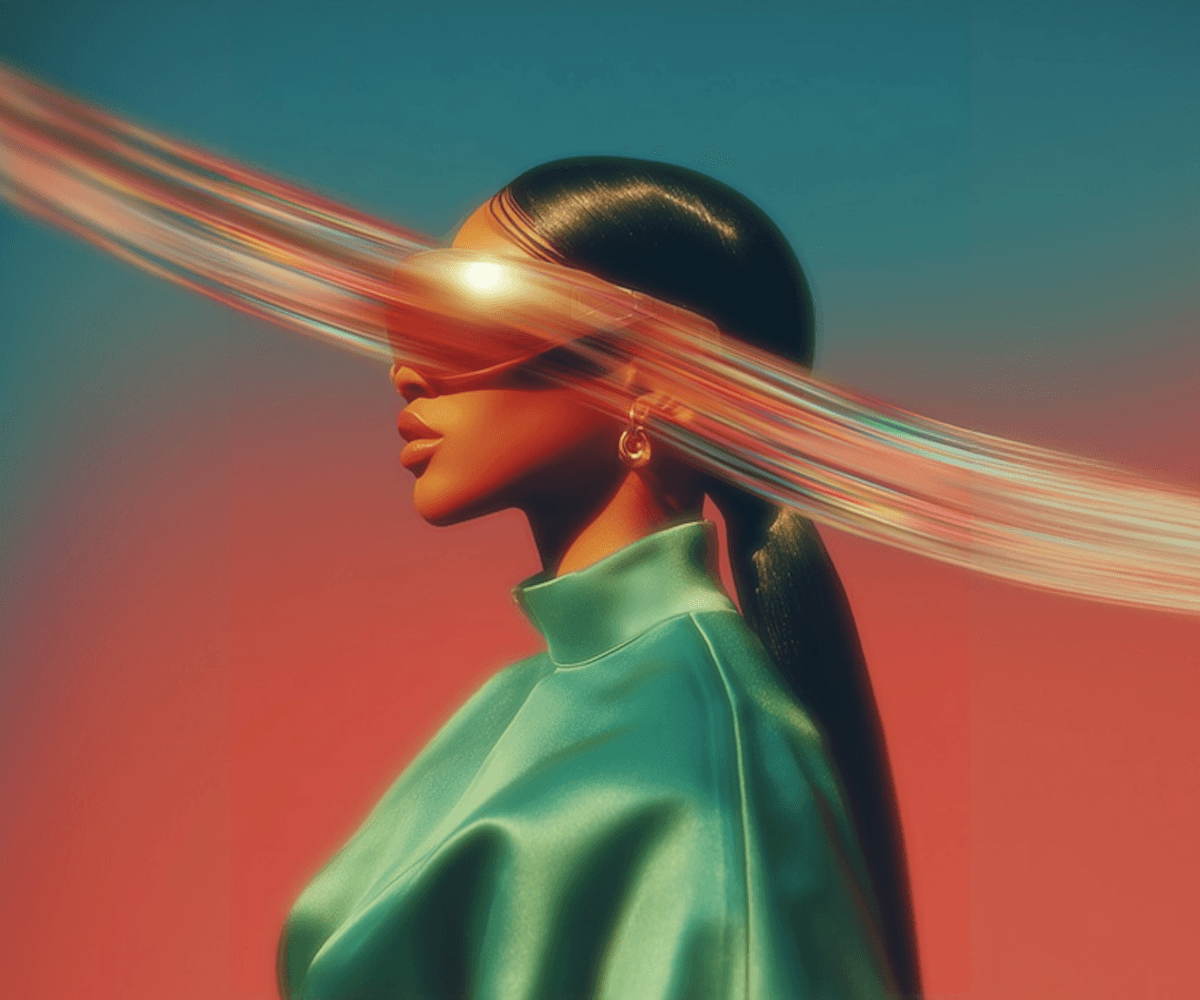
Module 1. AI Basics for Designers
A clear introduction to how modern AI tools work and how they fit into a real design workflow.
– Understanding how AI models generate images
– Overview of tools: ChatGPT, Midjourney, Galileo, Runway
– How to use AI safely and effectively in design
– Core principles: lighting, composition, style control
6 video tutorials
Module 1. AI Basics for Designers
A clear introduction to how modern AI tools work and how they fit into a real design workflow.
– Understanding how AI models generate images
– Overview of tools: ChatGPT, Midjourney, Galileo, Runway
– How to use AI safely and effectively in design
– Core principles: lighting, composition, style control
01
6 video tutorials
Module 1. AI Basics for Designers
A clear introduction to how modern AI tools work and how they fit into a real design workflow.
– Understanding how AI models generate images
– Overview of tools: ChatGPT, Midjourney, Galileo, Runway
– How to use AI safely and effectively in design
– Core principles: lighting, composition, style control
02
12 video tutorials
Module 2. AI Motion & Video Creation
A step-by-step guide to generating dynamic videos, b-roll, and cinematic motion with AI.
– Generating short cinematic videos
– Motion prompts: movement, energy, direction
– Creating AI b-roll and dynamic scenes
– Using AI video in web design & social content
12 video tutorials
Module 2. AI Motion & Video Creation
A step-by-step guide to generating dynamic videos, b-roll, and cinematic motion with AI.
– Generating short cinematic videos
– Motion prompts: movement, energy, direction
– Creating AI b-roll and dynamic scenes
– Using AI video in web design & social content
02
12 video tutorials
Module 2. AI Motion & Video Creation
A step-by-step guide to generating dynamic videos, b-roll, and cinematic motion with AI.
– Generating short cinematic videos
– Motion prompts: movement, energy, direction
– Creating AI b-roll and dynamic scenes
– Using AI video in web design & social content

03
4 video tutorials
Module 3. Prompts & Visual Style Mastery
Learn how to craft strong prompts that give you consistent, high-quality results every time.
– The structure of an effective prompt
– Controlling style, mood, lighting, and textures
– Fixing common AI mistakes
– Creating your own reusable prompt templates
4 video tutorials
Module 3. Prompts & Visual Style Mastery
Learn how to craft strong prompts that give you consistent, high-quality results every time.
– The structure of an effective prompt
– Controlling style, mood, lighting, and textures
– Fixing common AI mistakes
– Creating your own reusable prompt templates
03
4 video tutorials
Module 3. Prompts & Visual Style Mastery
Learn how to craft strong prompts that give you consistent, high-quality results every time.
– The structure of an effective prompt
– Controlling style, mood, lighting, and textures
– Fixing common AI mistakes
– Creating your own reusable prompt templates
04
4 video tutorials
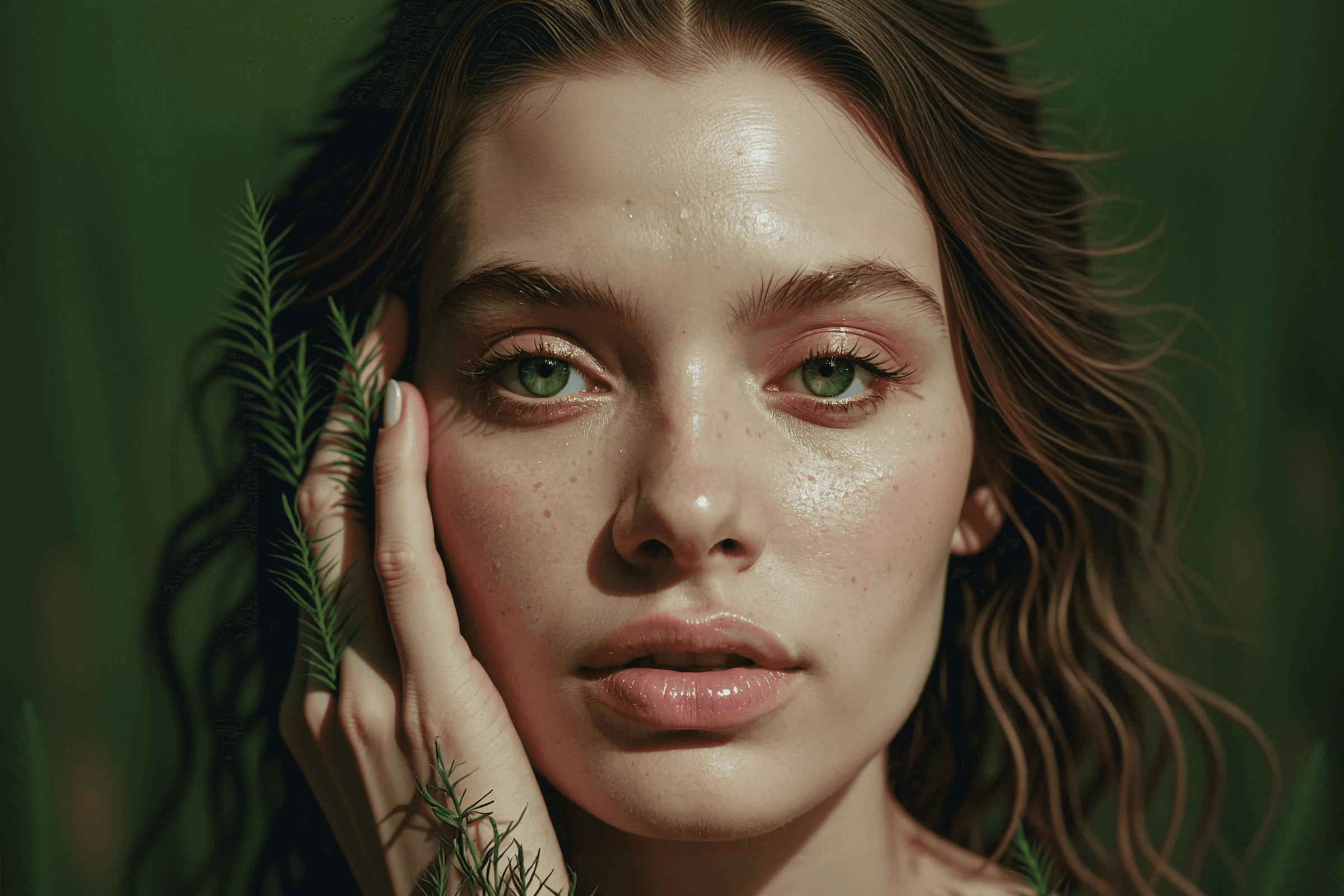
Module 4. High-End Visuals for Design & SMM
Create premium visuals for websites, social media, branding, and creative projects.
– Fashion shots, beauty portraits, product concepts
– Building scroll-stopping visuals for SMM
– Making consistent visual sets for campaigns
– Preparing AI visuals for real design use (retouch, cleanup)
4 video tutorials
Module 4. High-End Visuals for Design & SMM
Create premium visuals for websites, social media, branding, and creative projects.
– Fashion shots, beauty portraits, product concepts
– Building scroll-stopping visuals for SMM
– Making consistent visual sets for campaigns
– Preparing AI visuals for real design use (retouch, cleanup)
04
4 video tutorials
Module 4. High-End Visuals for Design & SMM
Create premium visuals for websites, social media, branding, and creative projects.
– Fashion shots, beauty portraits, product concepts
– Building scroll-stopping visuals for SMM
– Making consistent visual sets for campaigns
– Preparing AI visuals for real design use (retouch, cleanup)
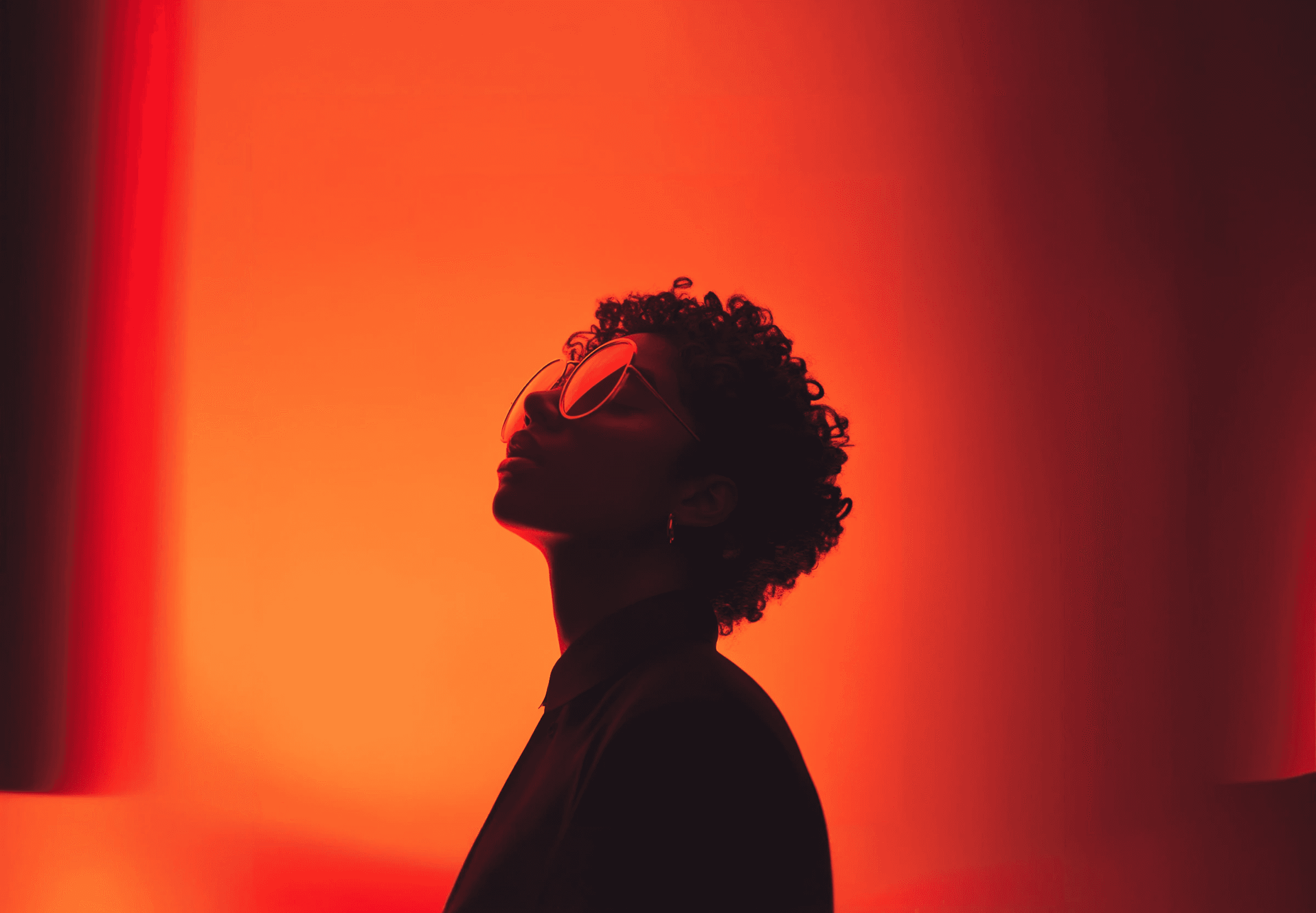
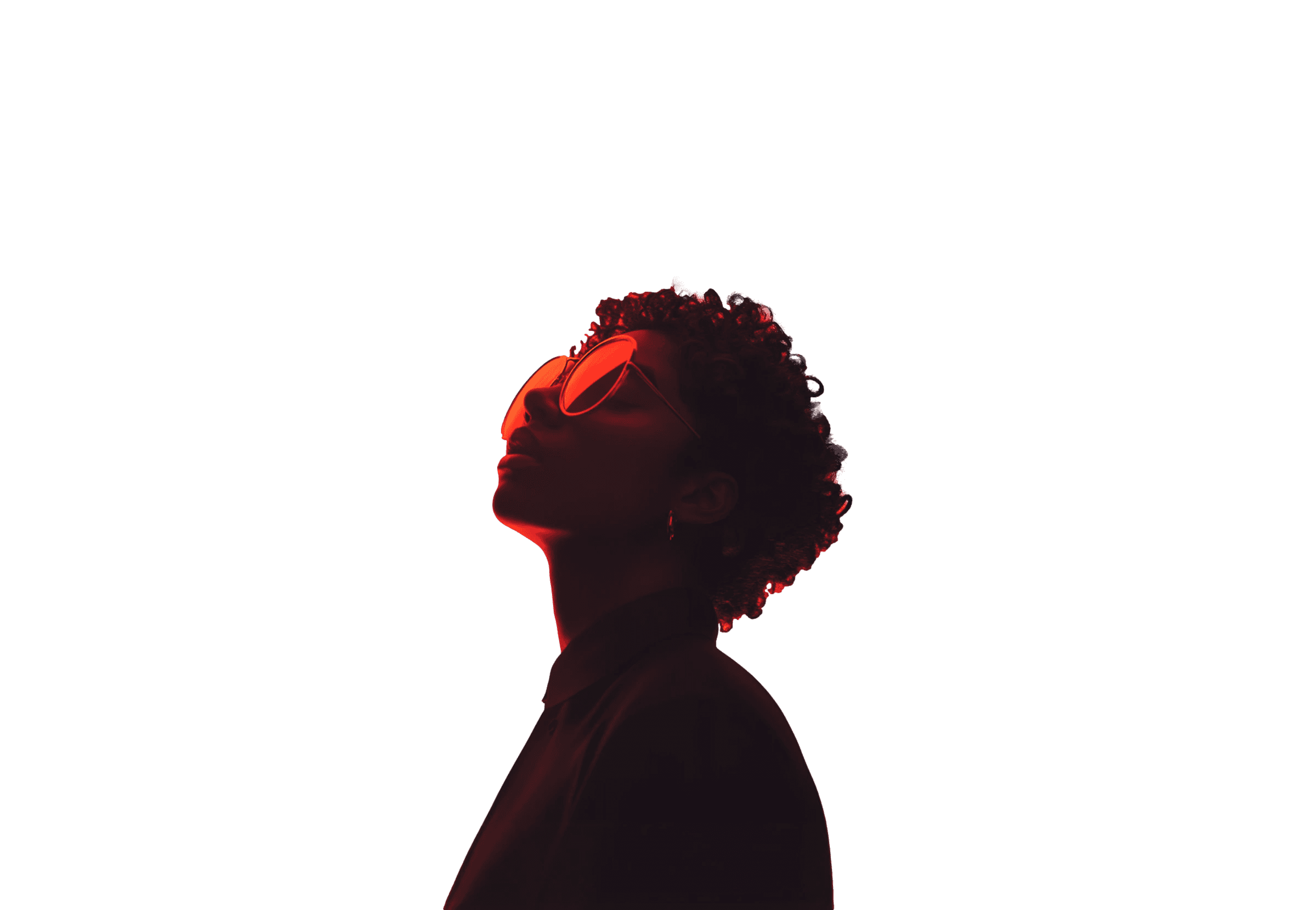
Hi, I’m Simon
I help designers create better visuals with AI, fast
Simon
Simon
5+
Experience in UI/UX, visual design and creative direction — creating polished interfaces, visuals and full design systems.
40k+
Designers using my templates, UI kits and tools to speed up their workflow and improve visual quality.
100+
AI-generated visual sets — portraits, fashion shots, product concepts and social visuals for real client projects.
200+
Hours mastering AI workflows: prompts, lighting, style consistency, retouching and motion generation.
10+
AI tools mastered: Midjourney, Runway, ChatGPT, Galileo, Framer AI and more — the tools I teach in the course.
All included for free
Powerful bonuses to accelerate your AI workflow
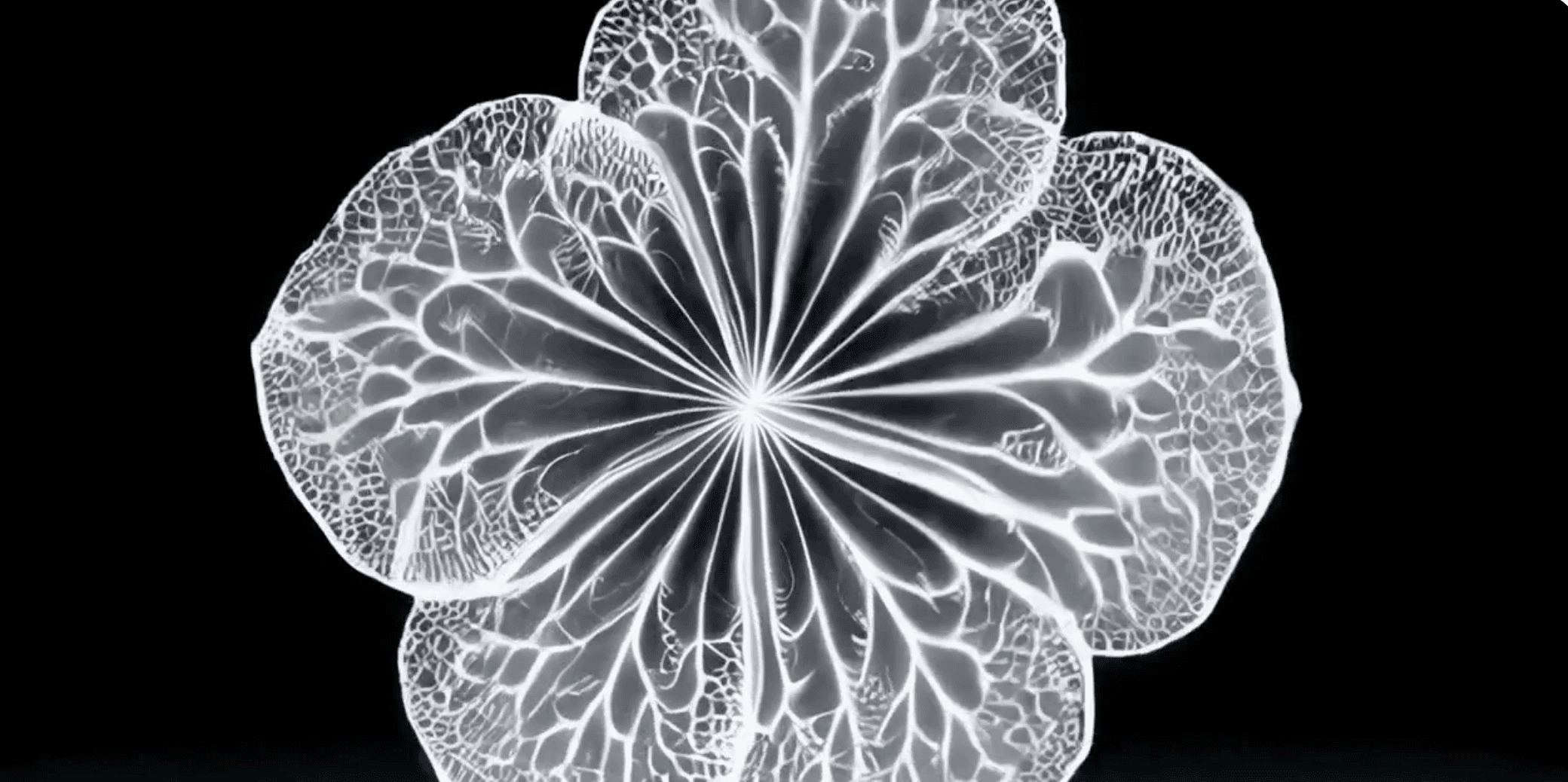
My Personal Tool Setup
A full breakdown of the tools, models, settings, and workflows I use every day to create premium visuals.
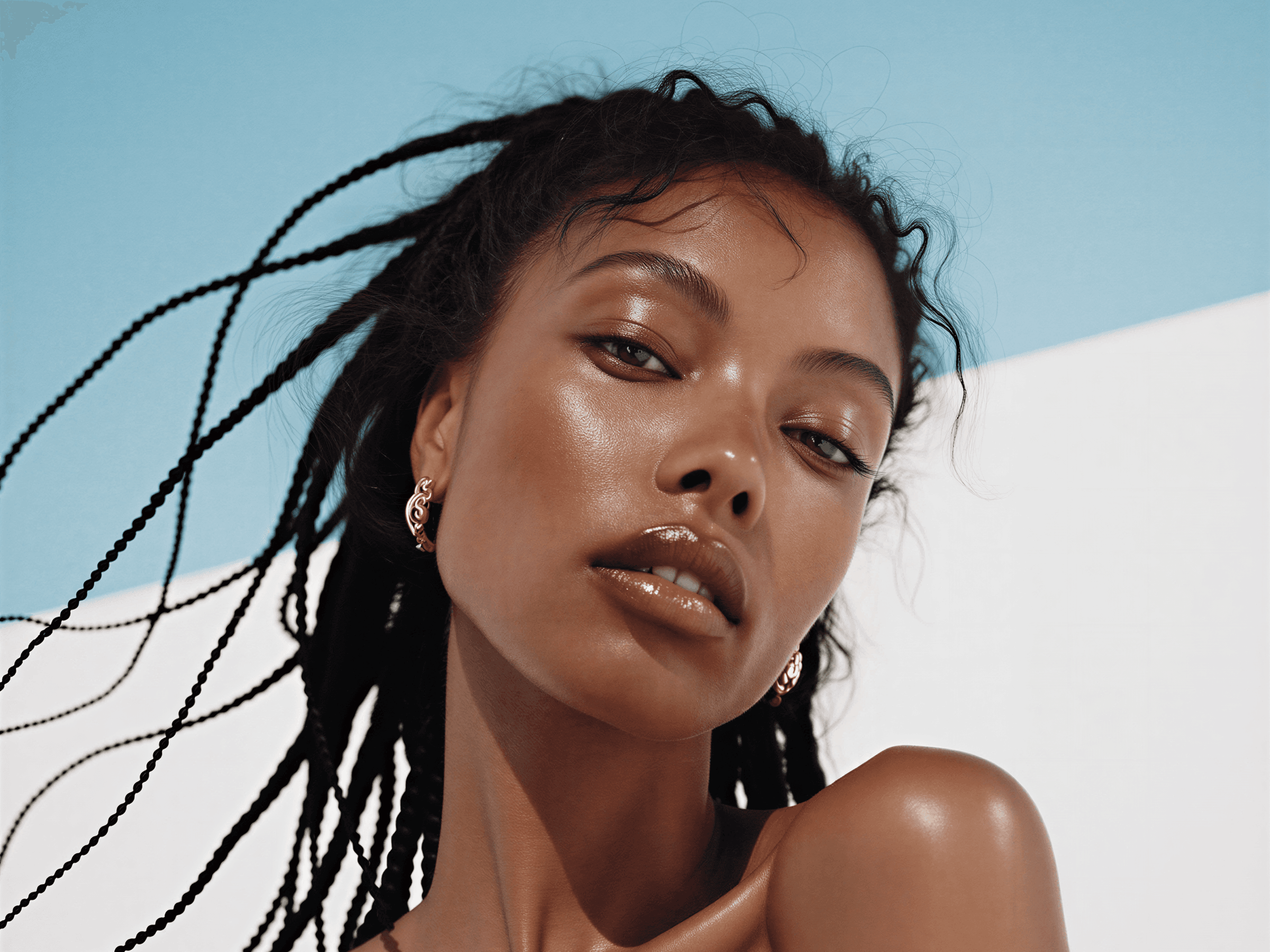
Retouch & Cleanup Workflow
A simple workflow for polishing AI images so they look clean, sharp, consistent, and fully client-ready.
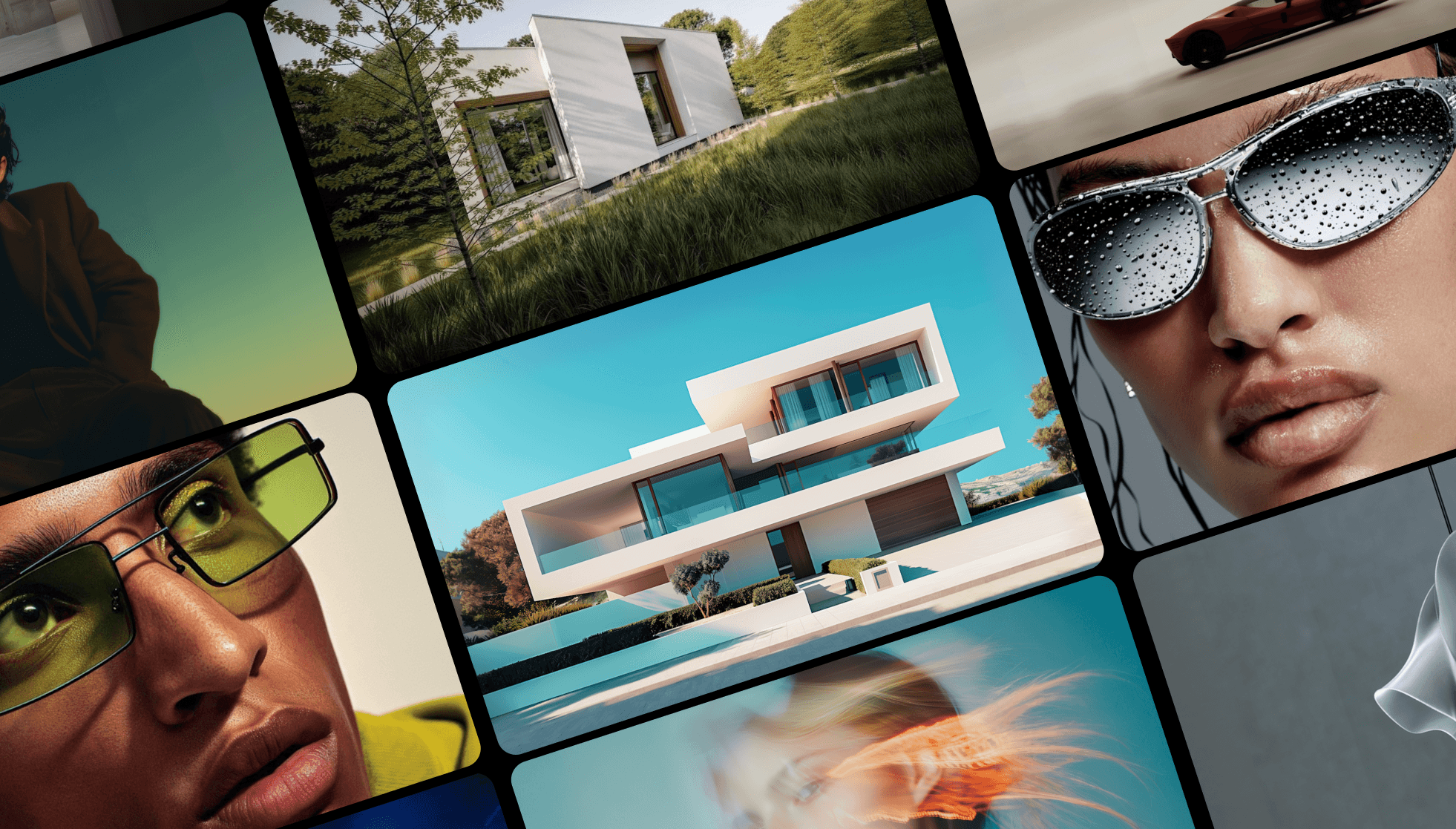
Ready-to-use Prompt Pack
A curated set of prompts for portraits, products, beauty shots, motion frames, and experimental visuals.
My Personal Tool Setup
A full breakdown of the tools, models, settings, and workflows I use every day to create premium visuals.
Retouch & Cleanup Workflow
A simple workflow for polishing AI images so they look clean, sharp, consistent, and fully client-ready.
Ready-to-use Prompt Pack
A curated set of prompts for portraits, products, beauty shots, motion frames, and experimental visuals.
My Personal Tool Setup
A full breakdown of the tools, models, settings, and workflows I use every day to create premium visuals.
Retouch & Cleanup Workflow
A simple workflow for polishing AI images so they look clean, sharp, consistent, and fully client-ready.
Ready-to-use Prompt Pack
A curated set of prompts for portraits, products, beauty shots, motion frames, and experimental visuals.
Meet your mentors
Guidance from top-level designers and creators

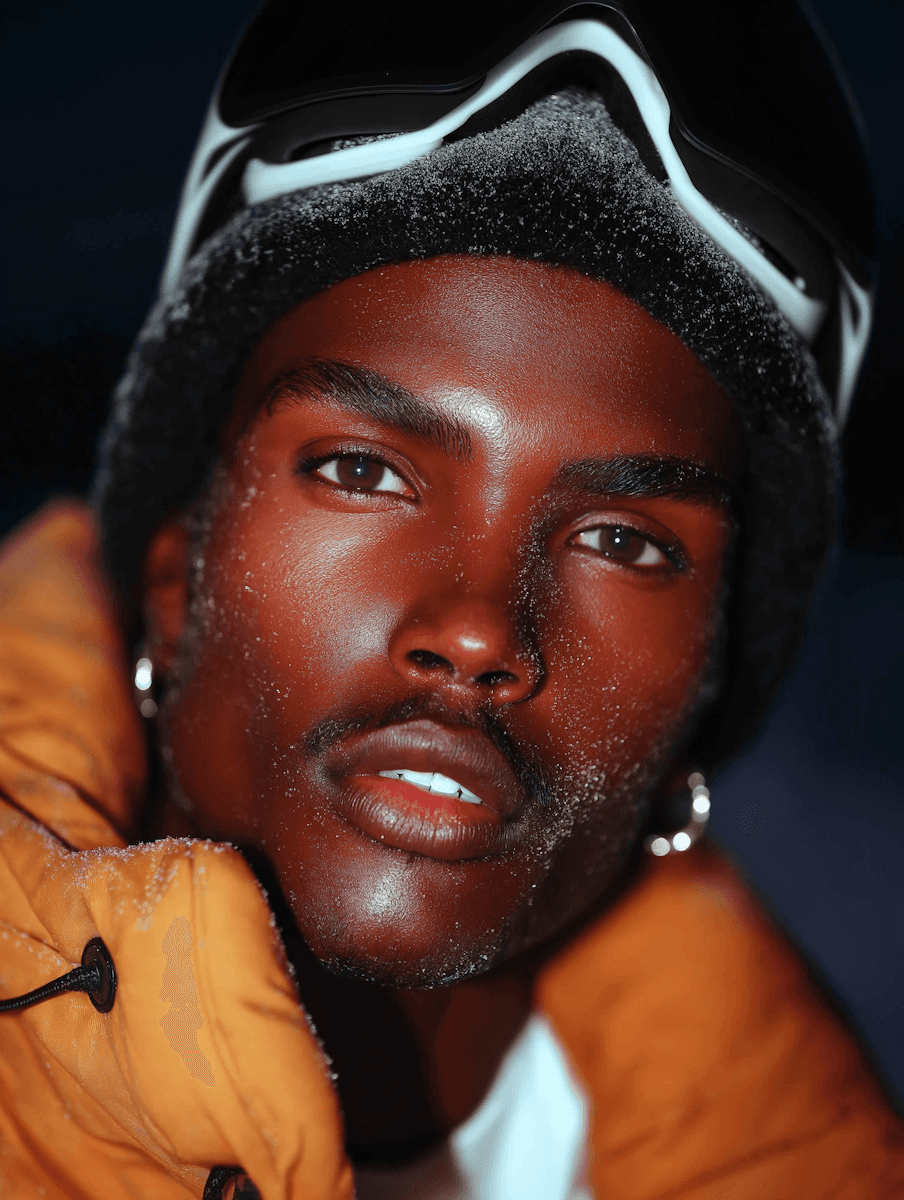
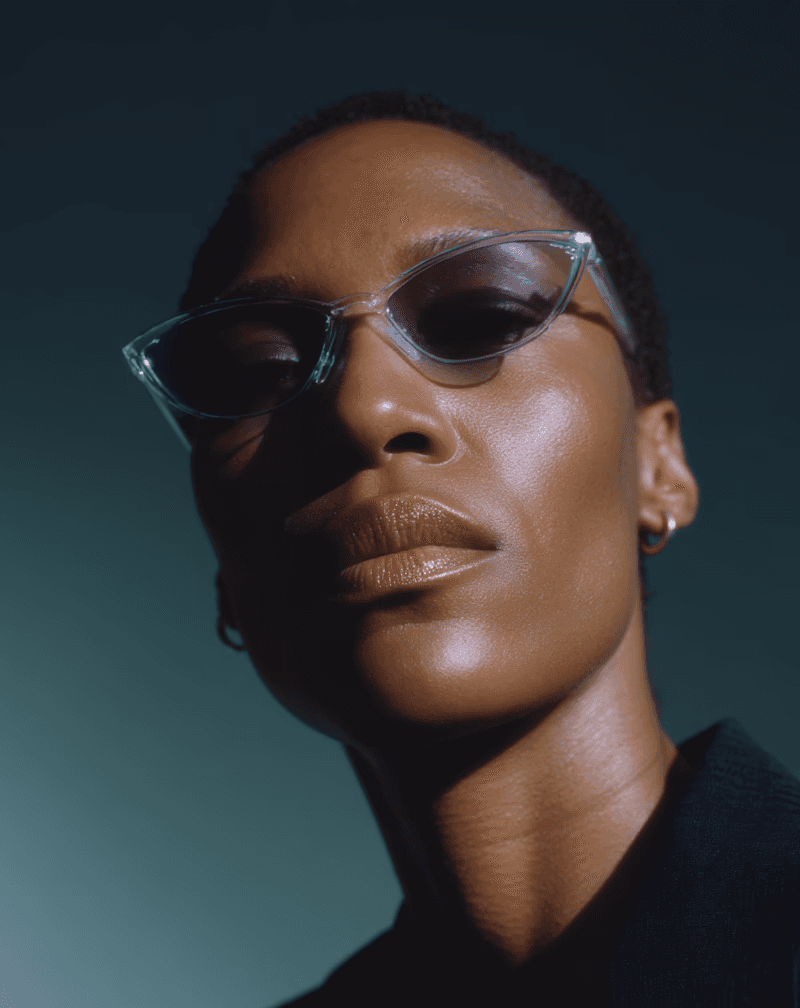
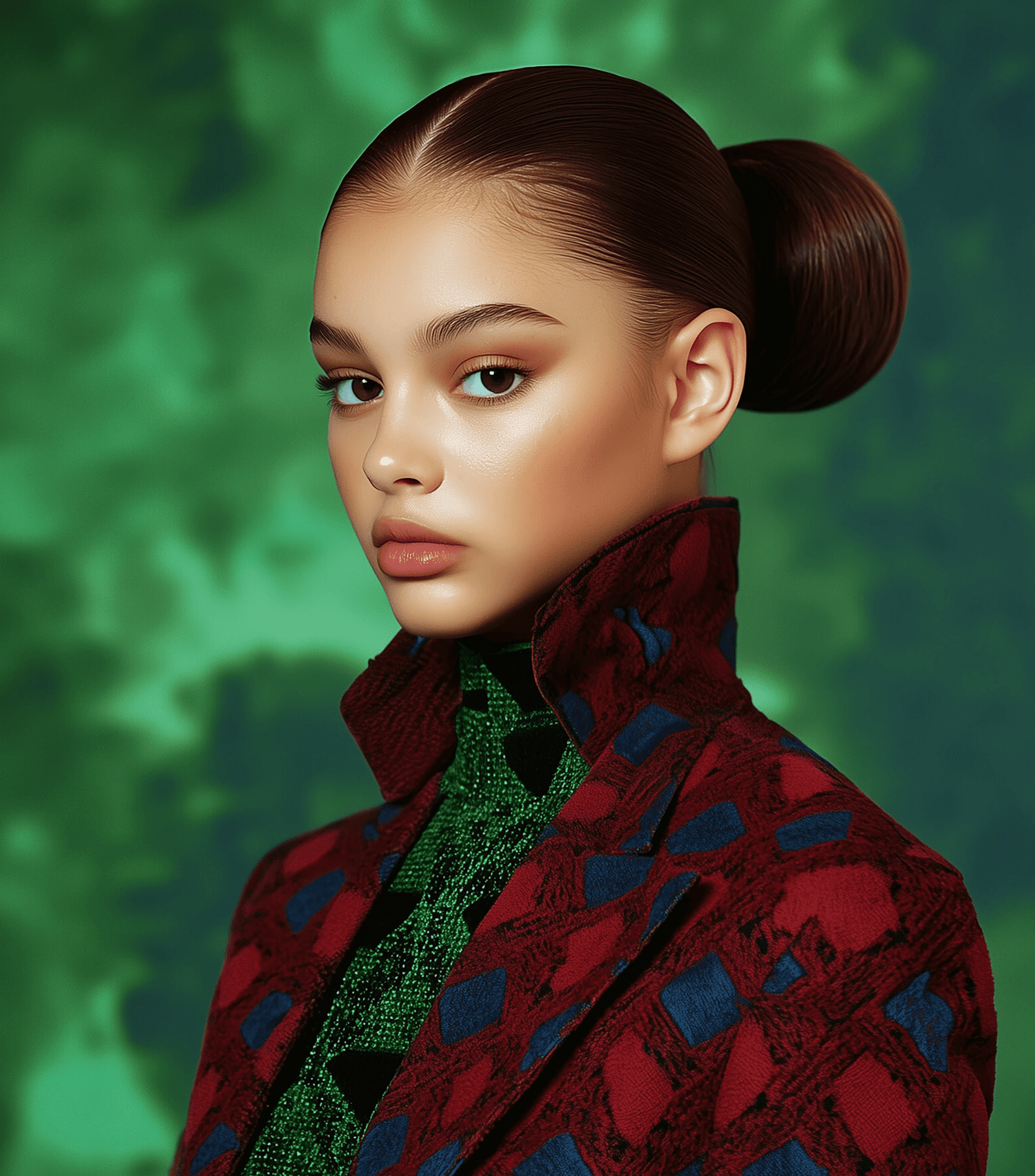
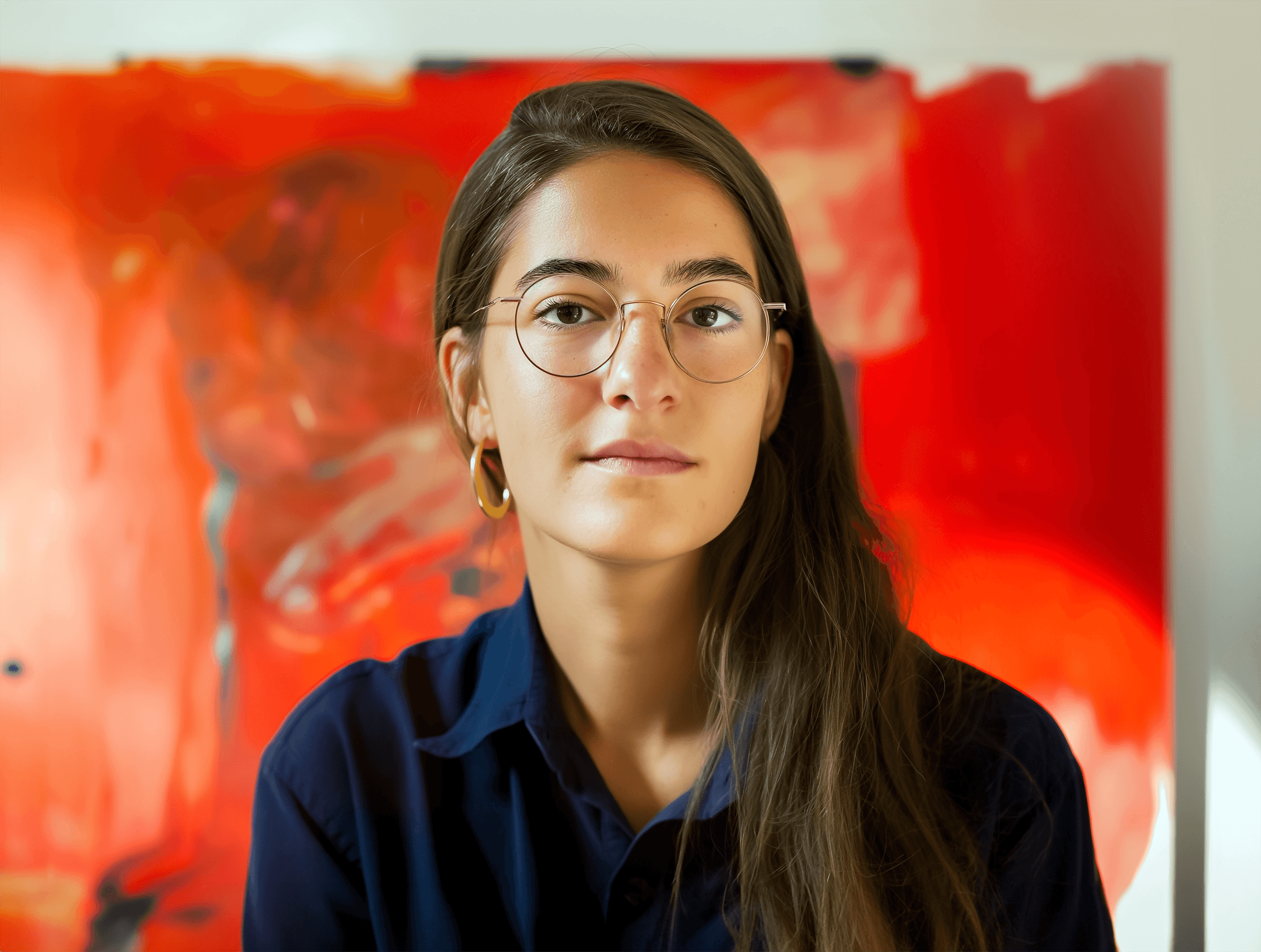

Choose how you want to learn
Start your AI design journey the way you prefer
Individual
$89
(one-time payment)
Individual Course Access
Perfect for designers who want to learn at their own pace and master AI visuals independently
Full access to all 4 course modules
Downloadable AI resources & prompt packs
Lifetime access and all future updates
Bonus materials included for free
With mentor
$149
(one-time payment)
Course + Personal Mentor
For designers who want personalized feedback, guidance, and deeper support while learning AI.
Everything from the Individual plan
1:1 feedback on your AI visuals
Personalised guidance & prompt improvements
Direct chat access to your mentor for 14 days
Honest thoughts. Real results
Insights from those who already learned with us
“AI finally makes sense for designers.”
This course helped me understand how to control AI instead of fighting it. My visuals became cleaner, more consistent, and much faster to produce.

Luna Rivera
Bloom Studio
“AI finally makes sense for designers.”
This course helped me understand how to control AI instead of fighting it. My visuals became cleaner, more consistent, and much faster to produce.
Luna Rivera
Bloom Studio
“AI finally makes sense for designers.”
This course helped me understand how to control AI instead of fighting it. My visuals became cleaner, more consistent, and much faster to produce.
Luna Rivera
Bloom Studio
“The best investment in my design workflow.”
I cut my visual production time in half, and clients immediately noticed the quality jump. The prompts are gold.

Mike Gonzalez
Haven Studio
“The best investment in my design workflow.”
I cut my visual production time in half, and clients immediately noticed the quality jump. The prompts are gold.
Mike Gonzalez
Haven Studio
“The best investment in my design workflow.”
I cut my visual production time in half, and clients immediately noticed the quality jump. The prompts are gold.
Mike Gonzalez
Haven Studio
“Exactly the clarity I was missing.”
I used to get random, inconsistent results. Now my AI images an videos have a style, direction, and purpose — finally usable in real client work.
Elisa Morgan
Frame & Co
“Exactly the clarity I was missing.”
I used to get random, inconsistent results. Now my AI images an videos have a style, direction, and purpose — finally usable in real client work.
Elisa Morgan
Frame & Co
“Exactly the clarity I was missing.”
I used to get random, inconsistent results. Now my AI images an videos have a style, direction, and purpose — finally usable in real client work.
Elisa Morgan
Frame & Co
“Finally—AI visuals that look premium.”
The portrait and fashion modules alone are worth it. I’ve already added new visual styles to my SMM projects, and my clients love them.
Aria Stephens
SocialCraft Agency
“Finally—AI visuals that look premium.”
The portrait and fashion modules alone are worth it. I’ve already added new visual styles to my SMM projects, and my clients love them.
Aria Stephens
SocialCraft Agency
“Finally—AI visuals that look premium.”
The portrait and fashion modules alone are worth it. I’ve already added new visual styles to my SMM projects, and my clients love them.
Aria Stephens
SocialCraft Agency
“Finally—AI visuals that look premium.”
The portrait and fashion modules alone are worth it. I’ve already added new visual styles to my SMM projects, and my clients love them.
Aria Stephens
SocialCraft Agency
“A must-have for modern designers.”
This course made AI feel like an actual design tool, not chaos. The mentor feedback helped me refine my style and fix common mistakes & designs.
Noah Jensen
Studio Meridian
“A must-have for modern designers.”
This course made AI feel like an actual design tool, not chaos. The mentor feedback helped me refine my style and fix common mistakes & designs.
Noah Jensen
Studio Meridian
“A must-have for modern designers.”
This course made AI feel like an actual design tool, not chaos. The mentor feedback helped me refine my style and fix common mistakes & designs.
Noah Jensen
Studio Meridian
“Super practical and easy to apply.”
Everything is explained simply, with real examples. I started using the techniques on the same day — my visuals immediately leveled up.

Sofia Marchetti
Visual Dept
“Super practical and easy to apply.”
Everything is explained simply, with real examples. I started using the techniques on the same day — my visuals immediately leveled up.
Sofia Marchetti
Visual Dept
“Super practical and easy to apply.”
Everything is explained simply, with real examples. I started using the techniques on the same day — my visuals immediately leveled up.
Sofia Marchetti
Visual Dept

FAQ
Questions? Answers!
What AI tools will I learn in this course?
You’ll work with Midjourney, ChatGPT, Runway, Galileo and Framer AI. I show the exact setups, prompts and workflows I personally use.
Do I need any previous AI experience?
No. The course is beginner-friendly. You’ll start with the basics and quickly move into advanced techniques.
Will I be able to use the visuals commercially?
Yes. Everything you create using AI tools in the course can be used in client work, social media, websites, ads, and commercial projects.
How long do I have access to the course?
Lifetime access. You can revisit lessons anytime and get all future updates for free.
What’s the difference between the Individual plan and the Mentor plan?
The Individual plan includes full course access. The Mentor plan includes personal feedback, direct support and help refining your visuals.
How much time do I need to complete the course?
Most students finish it in 5–7 days, but you can take it at your own pace.
Will this help me if I’m a beginner designer?
Yes. The course teaches AI fundamentals and visual thinking in a way that boosts both beginners and experienced designers.
What AI tools will I learn in this course?
You’ll work with Midjourney, ChatGPT, Runway, Galileo and Framer AI. I show the exact setups, prompts and workflows I personally use.
Do I need any previous AI experience?
No. The course is beginner-friendly. You’ll start with the basics and quickly move into advanced techniques.
Will I be able to use the visuals commercially?
Yes. Everything you create using AI tools in the course can be used in client work, social media, websites, ads, and commercial projects.
How long do I have access to the course?
Lifetime access. You can revisit lessons anytime and get all future updates for free.
What’s the difference between the Individual plan and the Mentor plan?
The Individual plan includes full course access. The Mentor plan includes personal feedback, direct support and help refining your visuals.
How much time do I need to complete the course?
Most students finish it in 5–7 days, but you can take it at your own pace.
Will this help me if I’m a beginner designer?
Yes. The course teaches AI fundamentals and visual thinking in a way that boosts both beginners and experienced designers.
What AI tools will I learn in this course?
You’ll work with Midjourney, ChatGPT, Runway, Galileo and Framer AI. I show the exact setups, prompts and workflows I personally use.
Do I need any previous AI experience?
No. The course is beginner-friendly. You’ll start with the basics and quickly move into advanced techniques.
Will I be able to use the visuals commercially?
Yes. Everything you create using AI tools in the course can be used in client work, social media, websites, ads, and commercial projects.
How long do I have access to the course?
Lifetime access. You can revisit lessons anytime and get all future updates for free.
What’s the difference between the Individual plan and the Mentor plan?
The Individual plan includes full course access. The Mentor plan includes personal feedback, direct support and help refining your visuals.
How much time do I need to complete the course?
Most students finish it in 5–7 days, but you can take it at your own pace.
Will this help me if I’m a beginner designer?
Yes. The course teaches AI fundamentals and visual thinking in a way that boosts both beginners and experienced designers.